Features
Notifications
Choose when you receive technical SEO signals by email, using thresholds, immediate alerts and digests without turning every crawl result into noise.
Email notifications
Send Incident notifications by email and keep delivery state attached to each notification.
Incident lifecycle signals
Subscribe to Incident opened, reopened and resolved events, plus crawl completion or failure and relevant subscription or payment notifications.
Severity thresholds
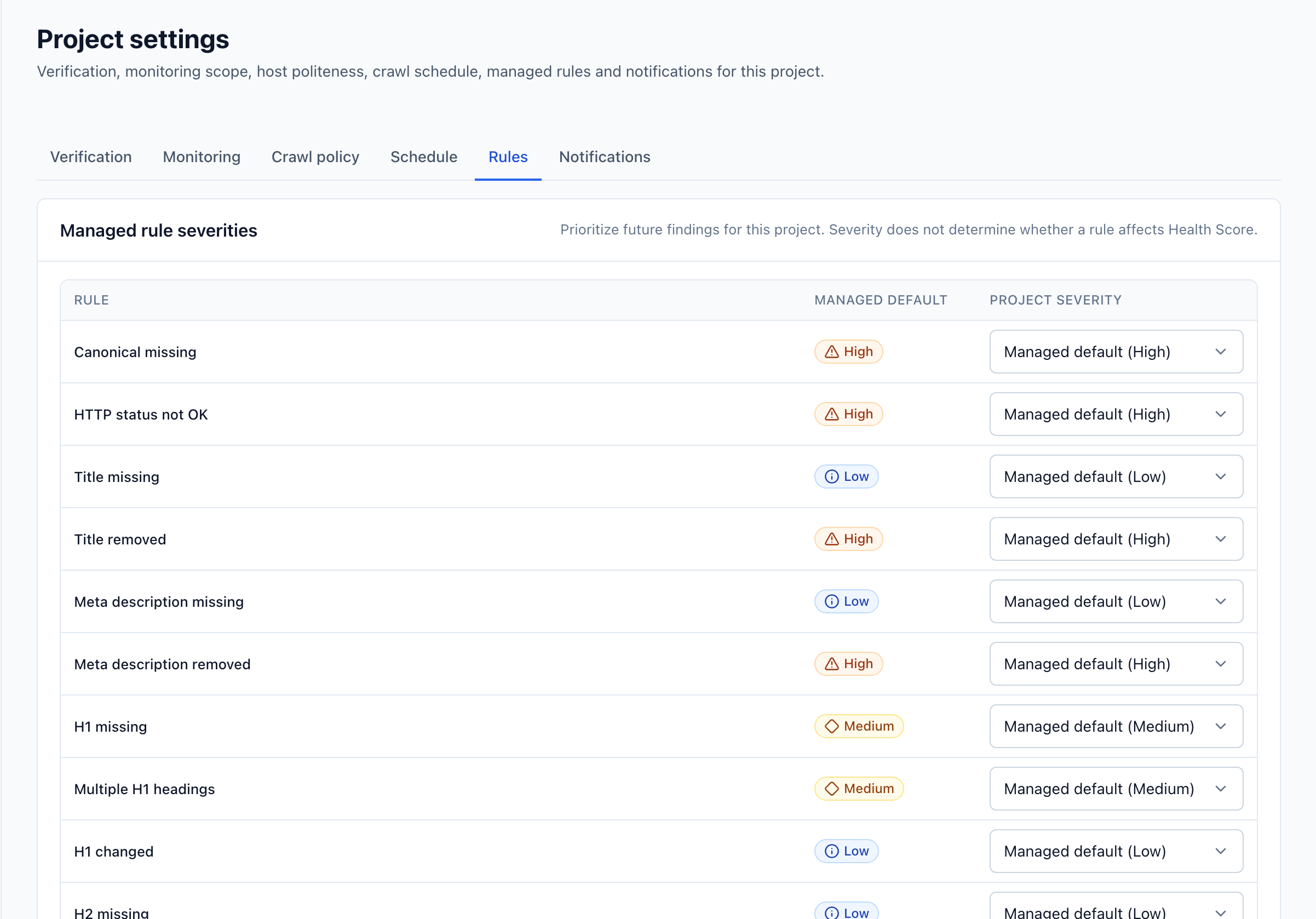
Subscribe per Project with a minimum severity. Send critical Incidents immediately and let lower-severity updates collect into a digest.
Immediate or digest
Choose immediate delivery for Incidents that cannot wait, or a digest for everything else. Cooldowns and deduplication keep repeat detections quiet.
Quota and weekly awareness
Receive quota warnings at 70%, 85% and 100%, and use weekly reporting to keep crawl capacity and operational changes visible.
Deliveries on record
Every notification delivery is tracked as pending, sent, retried or failed, so you can see exactly what was delivered and when.
Slack incoming webhook
Route the same Incident lifecycle and severity behavior to an encrypted Slack incoming webhook.
Start monitoring your technical SEO today
Set up your first project in minutes. Verify your domain, start a crawl, and see exactly what changed without the noise.
No credit card required. Starter plan limits apply.